क्या आप अपनी साधारण तस्वीरों को ‘High-End’ मास्टरपीस में बदलना चाहते हैं? अब आपको घंटों फोटोशॉप सीखने की ज़रूरत नहीं है। 2026 में, ChatGPT + AI Photo Editors का कॉम्बो किसी भी साधारण यूजर को प्रोफेशनल एडिटर बना सकता है।
इस आर्टिकल में हम आपको 10 सबसे वायरल Photo Editing Prompts देंगे और यह भी सिखाएंगे कि ChatGPT से अपनी फोटो को परफेक्ट कैसे एडिट करवाएं।
ChatGPT से फोटो एडिट कैसे करवाएं? (Step-by-Step Guide)
ChatGPT सीधे फोटो एडिट नहीं करता, बल्कि यह आपको ‘Precision Prompts’ देता है जिनका इस्तेमाल आप DALL-E 3, Midjourney या Canva AI में कर सकते हैं। बेहतर रिजल्ट के लिए यह तरीका अपनाएं:
- ChatGPT को फोटो का विवरण दें: अपनी फोटो अपलोड करें और ChatGPT से कहें— “इस फोटो का विवरण दें और इसे [Style Name] में बदलने के लिए एक प्रॉम्प्ट लिखें।”
- Specifics जोड़ें: ChatGPT से कहें कि वह लाइटिंग, कैमरा लेंस (जैसे 85mm f/1.8) और कलर ग्रेडिंग का ज़िक्र करे।
- Iterative Editing: अगर रिजल्ट पसंद न आए, तो ChatGPT को बदलाव बताएं, जैसे— “इसे और थोड़ा डार्क और सिनेमैटिक बनाएं।”
Top 10 Viral ChatGPT Photo Editing Prompts
ये 10 प्रॉम्पट्स 2026 के लेटेस्ट ट्रेंड्स पर आधारित हैं। इन्हें अपनी इमेज के साथ इस्तेमाल करें:
1. Professional LinkedIn Headshot (Executive Look)
Prompt: Transform this photo into a professional studio headshot. Subject wearing a premium navy blue blazer, sharp focus on eyes, 85mm lens effect, soft diffused lighting, solid neutral gray background, ultra-realistic skin texture, high-end corporate vibe.
DIRECT SPONSORSHIPPlace Your Ad on aipromptviral.com
Directly chat with us to book this space and grow your brand visibility.
 Chat on WhatsApp
2. 90s Vintage Film Aesthetic (Nostalgic Look)
Prompt: Edit this image into a 1990s analog film photo. Add subtle film grain, slight light leaks, and warm faded colors. Soft focus, retro fashion vibe, authentic vintage photography style.
3. Moody Golden Hour (Cinematic Look)
Prompt: Apply a warm golden hour tone to this photo. Intense orange and yellow sunlight casting long dramatic shadows. Enhance highlights, cinematic color grading, dreamy atmosphere.
4. Cyberpunk / Neon Street Style (Future Look)
Prompt: Turn this photo into a cyberpunk street scene. Add neon blue and magenta rim lighting to the subject. Background: rainy futuristic city with glowing signs and reflections. High contrast, sharp details.
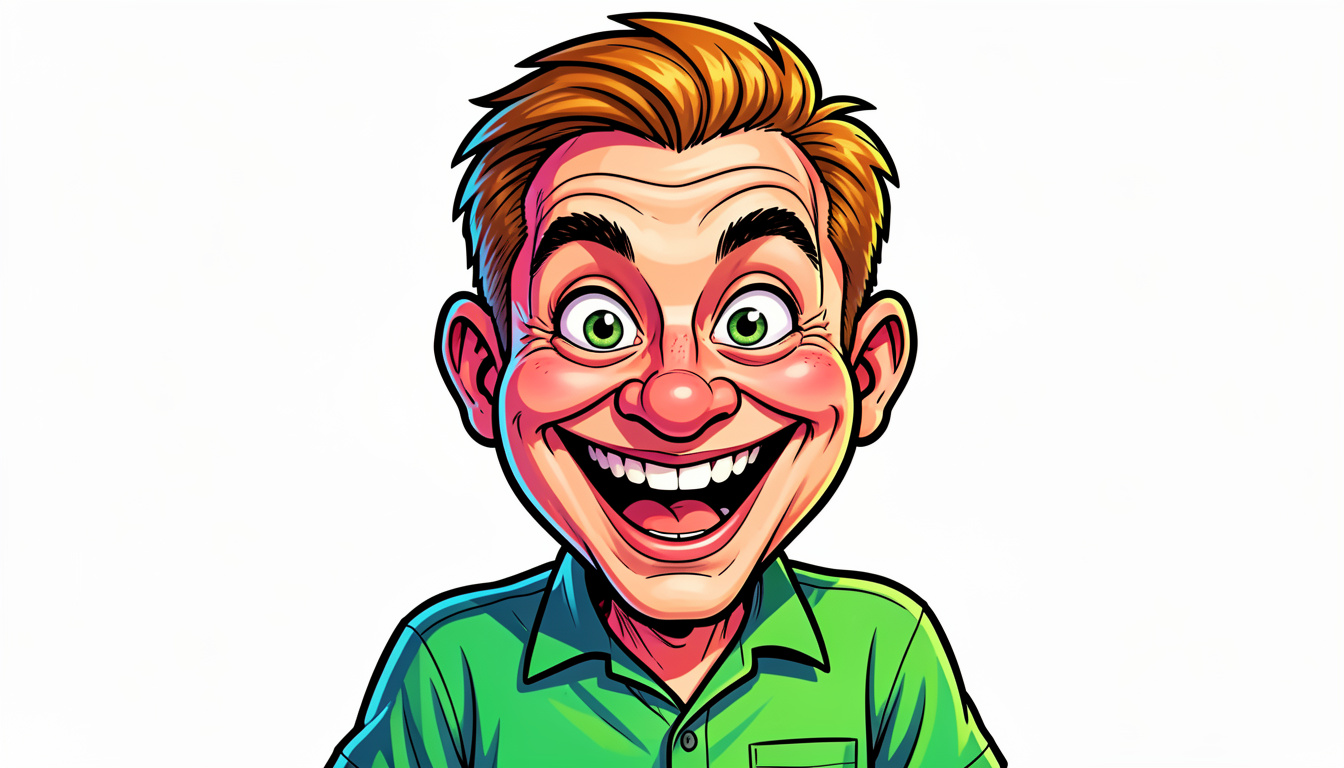
5. Pixar / 3D Disney Character (Fun Style)
Prompt: Recreate this photo as a 3D cartoon avatar in the style of Pixar. Keep the original facial features recognizable. Big expressive eyes, smooth textures, friendly expression, vibrant colors, studio 3D render.
6. Background Swap: Luxury Travel (Travel Vibe)
Prompt: Keep the subject exactly the same but change the background to a luxury balcony overlooking the Swiss Alps at sunrise. Match the lighting on the subject with the cold mountain sun. Natural depth of field.
DIRECT SPONSORSHIPPlace Your Ad on aipromptviral.com
Directly chat with us to book this space and grow your brand visibility.
7. Dark Aesthetic / Black & White (Artistic Look)
Prompt: Convert this into a high-contrast black and white fine-art portrait. Deep shadows, bright highlights, soft vignette, grainy texture, dramatic moody lighting inspired by classic cinema.
8. E-commerce Product Photography (Clean Look)
Prompt: Remove the background and place the subject/object on a pure white (#FFFFFF) studio background. Soft even lighting, no harsh shadows, high clarity, 4k sharp resolution for professional retail look.
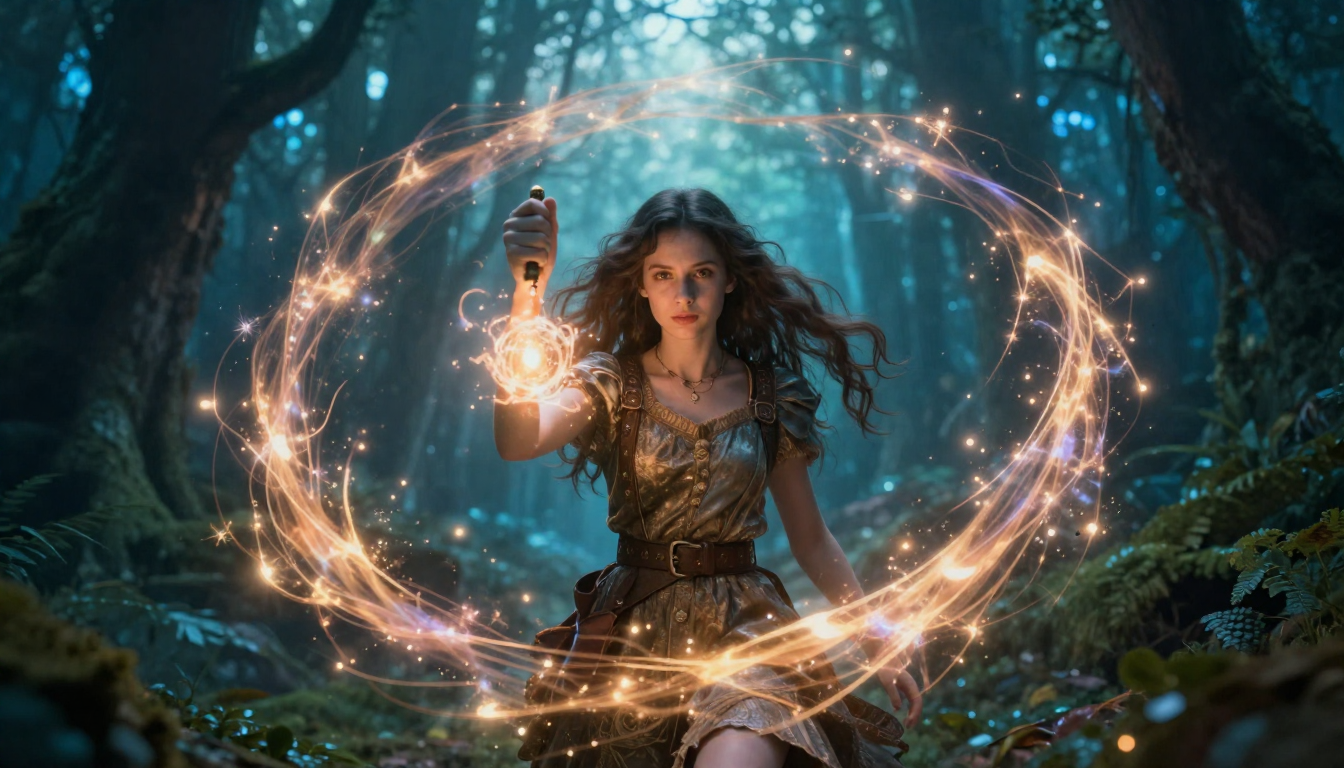
9. Fantasy Book Cover (Creative Look)
Prompt: Transform this photo into a fantasy book cover. Add glowing magical particles around the subject, mystical forest background, ethereal blue light, cinematic composition, epic storytelling vibe.
10. Claymation / Toy Style (Unique Trend)
Prompt: Turn this image into a claymation-style character. Soft rounded modeling clay textures, visible sculpting marks, handmade stop-motion aesthetic. Plain background with soft shadows.
AI Photo Editing Comparison Table (2026 Edition)
| AI Tool Name | Best For (किसके लिए बेस्ट है) | Key Feature (खासियत) | User Skill | Pricing |
| Adobe Photoshop | Precision & Control | Generative Fill (AI से चीजें जोड़ना/हटाना) | Professional | Paid ($22+/mo) |
| Midjourney | Artistic & Cinematic | Unbeatable High-End Art Quality | Intermediate | Paid ($10/mo) |
| Bing Image Creator | Quick & Easy Edits | DALL-E 3 Precision (फ्री में बेस्ट) | Beginner | Free |
| Leonardo.ai | 3D & Product Shots | Real-time Canvas Editing | Intermediate | Free & Paid |
| Canva AI | Social Media Graphics | Magic Grab & Simple Background Swap | Beginner | Free & Paid |
| Luminar Neo | Portrait Retouching | AI Skin & Body Enhancement | Professional | Paid (One-time) |
| Photoroom | E-commerce Sellers | Batch Background Removal | Beginner | Free & Paid |
FAQs: अक्सर पूछे जाने वाले सवाल
Q1. क्या ChatGPT खुद फोटो एडिट कर सकता है?
Place Your Ad on aipromptviral.com
Directly chat with us to book this space and grow your brand visibility.
ChatGPT 4o और 5.2 (2026 version) इमेज को एनालाइज करके एडिटिंग के लिए परफेक्ट ‘DALL-E’ प्रॉम्प्ट बना सकते हैं, लेकिन पिक्सेल-बाय-पिक्सेल मैन्युअल एडिटिंग के लिए आपको AI फोटो टूल्स का सहारा लेना होगा।
Q2. बेस्ट फ्री AI फोटो एडिटर कौन सा है?
Bing Image Creator (DALL-E 3) और Leonardo.ai इन प्रॉम्पट्स के साथ बेहतरीन काम करते हैं।
“ChatGPT Photo Editing” वाली आपकी पिछली पोस्ट को और भी दमदार बनाने के लिए, यहाँ एक Professional AI Editing Comparison Table दी गई है। यह टेबल आपके रीडर्स को यह तय करने में मदद करेगी कि कौन सा टूल उनके प्रॉम्प्ट के लिए सबसे अच्छा है।
#ChatGPT #AIPhotoEditing #Prompts2026 #DigitalArt #PhotoEditingHacks #AIPromptViral #Dalle3 #MidjourneyTips #ProfessionalEditing #ViralPrompts
Place Your Ad on aipromptviral.com
Directly chat with us to book this space and grow your brand visibility.