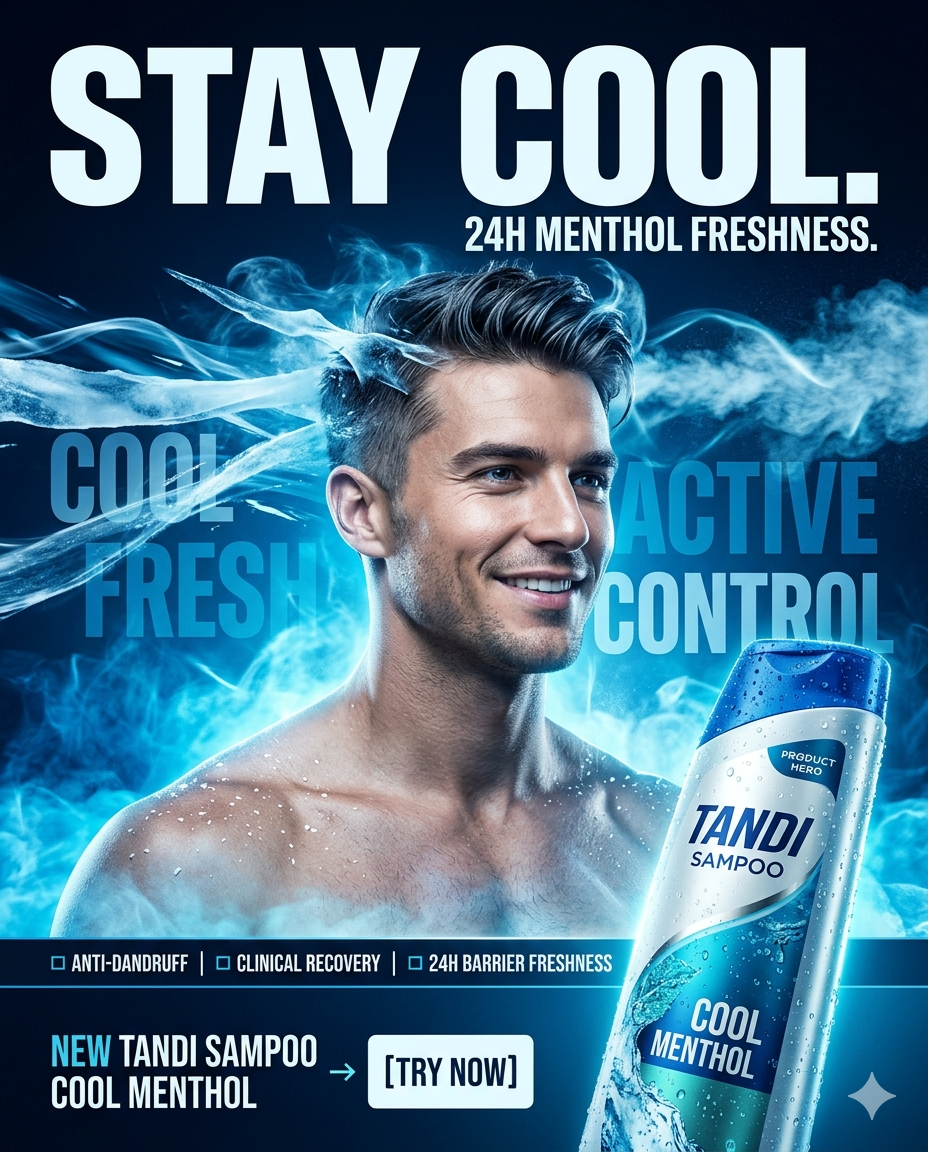
Here is a clean, engaging “How to Use” Step-by-Step Guide designed for your website users. It helps them understand exactly how to generate their custom commercial shampoo poster prompts using your new tool. You can place this text right below or above the generator tool layout.
🚀 How to Generate Your Ad Poster Prompt / विज्ञापन प्रॉम्ट कैसे बनाएं?
Follow these 5 simple steps to create your own high-end FMCG marketing campaign asset:
- Step 1: Enter Your Brand Name (अपना ब्रांड लिखें)Type your custom shampoo brand name (e.g., Tandi Sampoo) in the first input field. The engine automatically updates your brand across the entire script structure instantly.
- Step 2: Choose Your Key Variant (मुख्य सामग्री चुनें)Select your primary active ingredient formulation—ranging from cooling Cool Menthol & Mint Leaves to deep-cleansing Activated Volcanic Charcoal.
- Step 3: Select Campaign Energy Style (कैंपेन का अंदाज़ चुनें)Pick a creative visual theme that matches your target marketing angle. You can choose a high-performance Ice Menthol Blast, a high-end Liquid Gold Luxury, or a futuristic Cyberpunk Neon Pulse.
- Step 4: Target the Right Scalp Condition (स्कैल्प की समस्या सेट करें)Define the exact hair or skin concern your product addresses (like Visible White Dandruff Flakes or Sticky Grease) to tune the model’s visual expression and story setup.
- Step 5: Pick a Premium Texture Finish (विज़ुअल टेक्सचर इफेक्ट)Choose high-end product detailing filters like Hyper-Real Condensation Droplets or Liquid Glass Fluidity to tell the AI generator exactly how surfaces should reflect lighting.
🎨 How to Turn Your Text into a Real Image / प्रॉम्ट से इमेज कैसे बनाएं?
- Step 1: Click the blue “Copy Master Prompt / प्रॉम्ट कॉपी करें” button at the bottom of the tool layout console.
- Step 2: Open your preferred advanced AI Image Generation Studio (such as Midjourney, ChatGPT Plus (DALL-E 3), or Stable Diffusion).
- Step 3: Paste ($\text{Ctrl} + \text{V}$ or long-press on mobile) the copied blueprint text directly into the generation box and press Enter.
- Step 4: Watch the model render your 8K billboard-ready commercial advertisement layout automatically!
DIRECT SPONSORSHIP
Place Your Ad on aipromptviral.com
Directly chat with us to book this space and grow your brand visibility.
 Chat on WhatsApp